How do I deposit cryptocurrency using BTSE App?
Depositing cryptocurrency using the BTSE App is simple and easy.
Step 1 — Open the BTSE app and tap Deposit

Step 2 — Choose your deposit type: select Crypto for cryptocurrency, and pick the token you want to deposit.
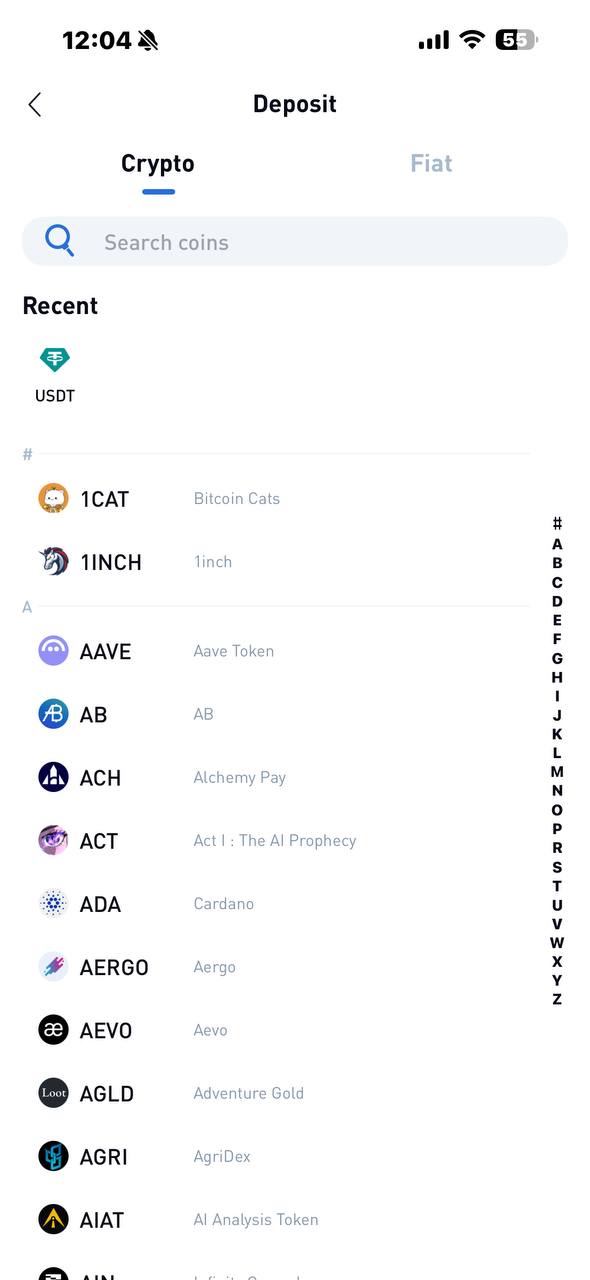
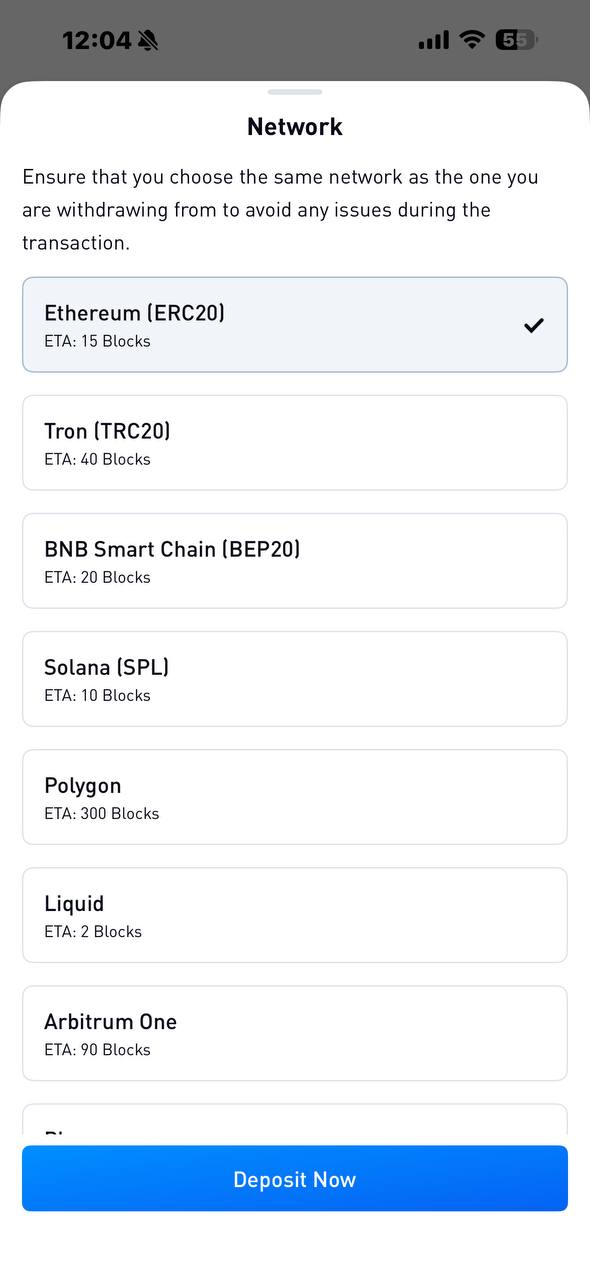
Step 3 — Select a network. Make sure this matches the network you're sending from in your external wallet — if unsure, check there first before continuing
Step 4 — Review your deposit details, including your wallet address and QR code. Read any warnings on this screen carefully
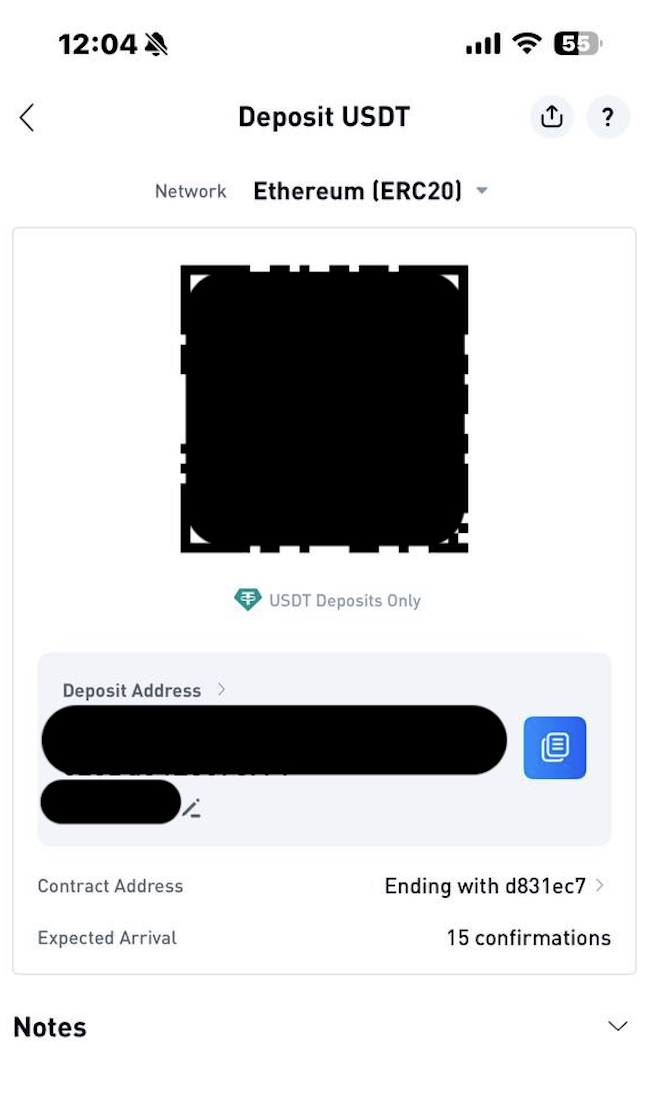
Step 5 — Save your deposit address by tapping Copy Address, or save the QR code by tapping Save Image
Step 6 — Open your external wallet and send the funds to the address you copied or scanned

