How do I deposit cryptocurrency into my account?
To deposit cryptocurrency, follow these steps:
- Log in to your account and navigate to Wallet > Deposit.
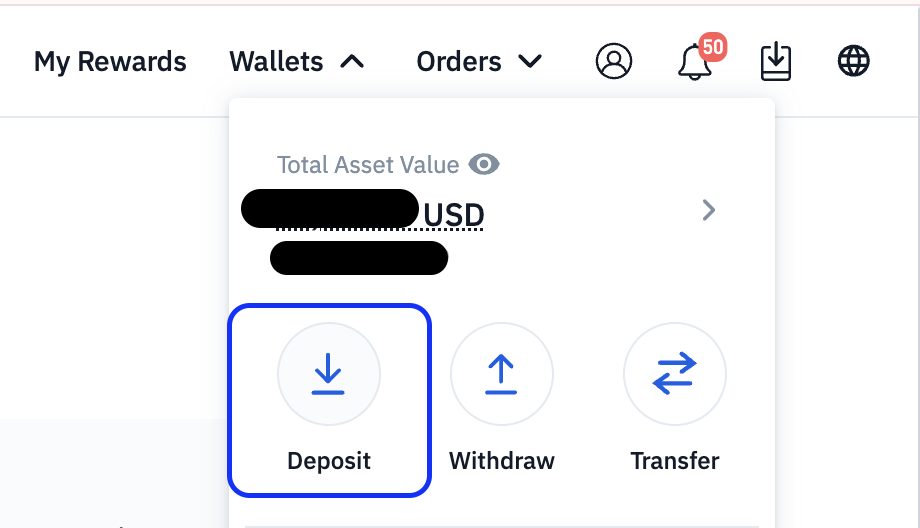
- Select the cryptocurrency you wish to deposit (e.g. BTC, ETH, USDT).

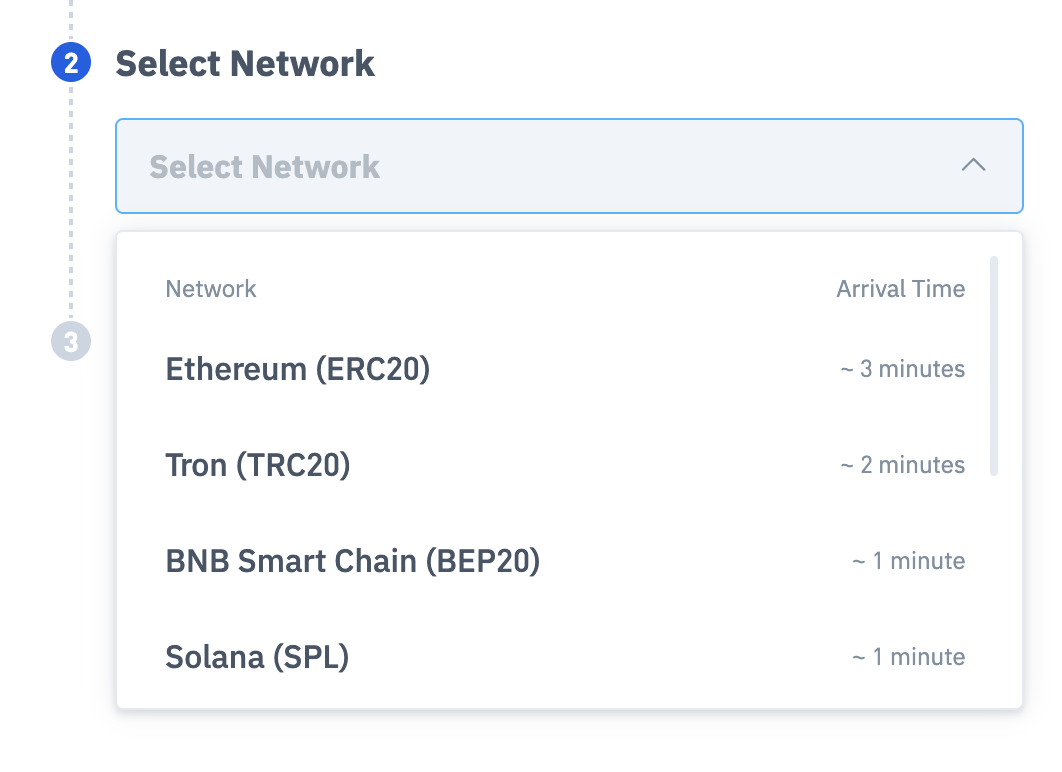
- Choose the correct network for your deposit (e.g. ERC-20, TRC-20, BEP-20).
- Copy your unique deposit address or scan the QR code.
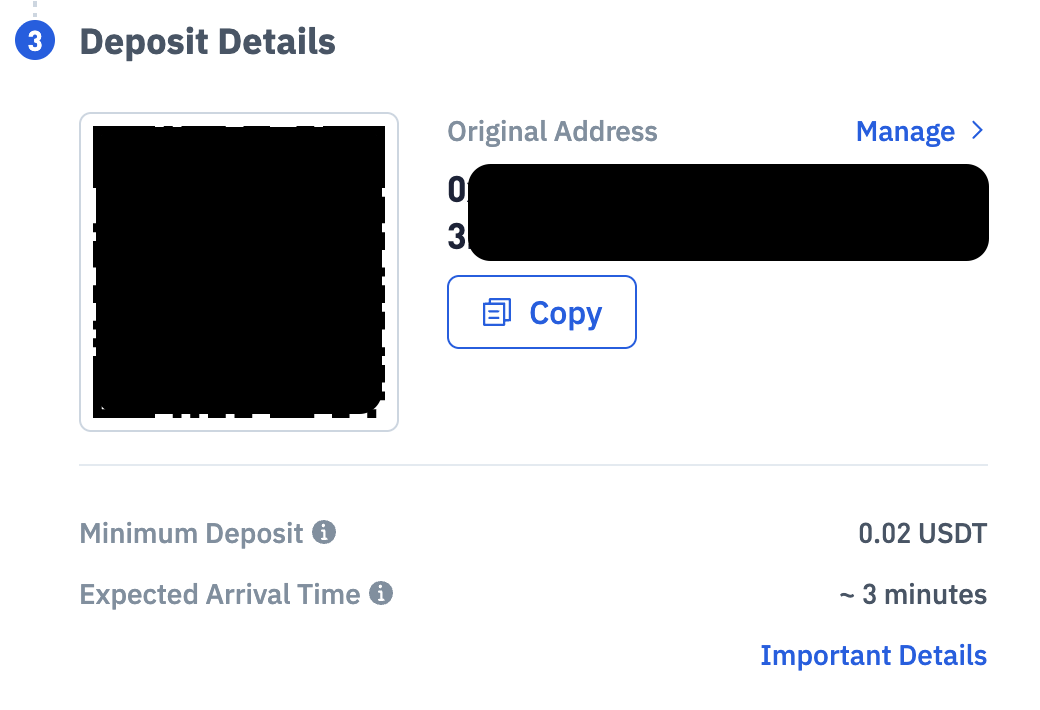
- Paste this address into the withdrawal field on your sending platform and confirm the transaction.
Note: Always double-check the network matches the one you are sending from. Sending funds on the wrong network may result in permanent loss.


