How do I add a crypto withdrawal address to my address book?
The Withdrawal Address Book lets you save frequently used withdrawal addresses so you can select them quickly during a withdrawal — no need to copy and paste the same address every time.
- Go to Account > Security
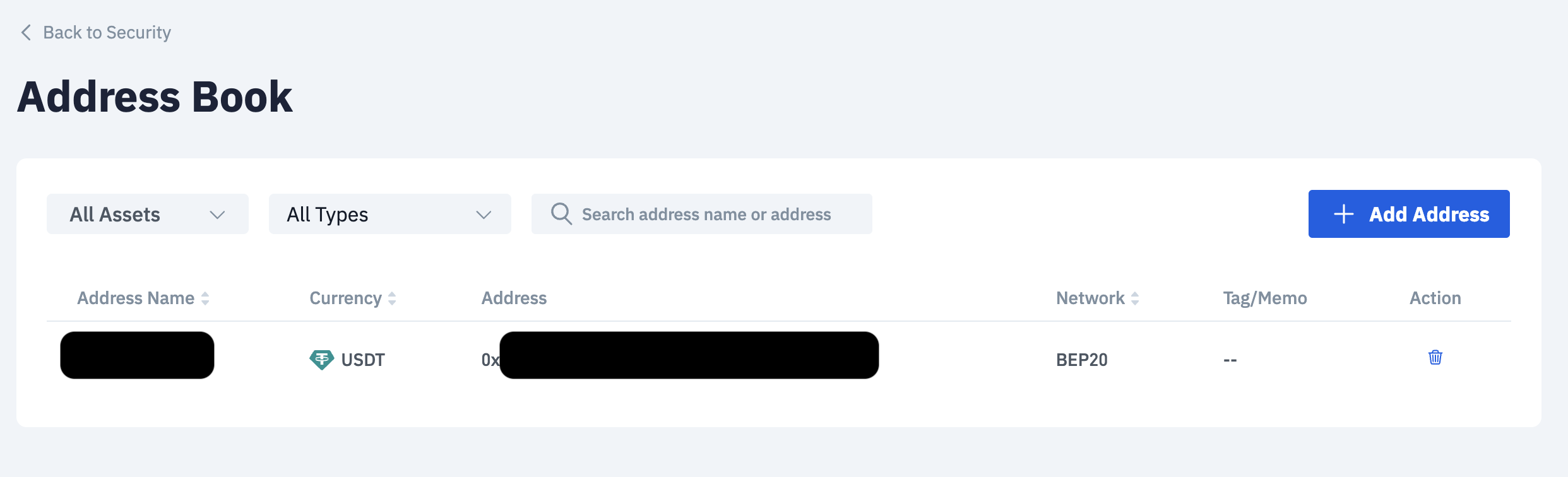
- Go to Crypto Withdrawal - Address Book and select Manage

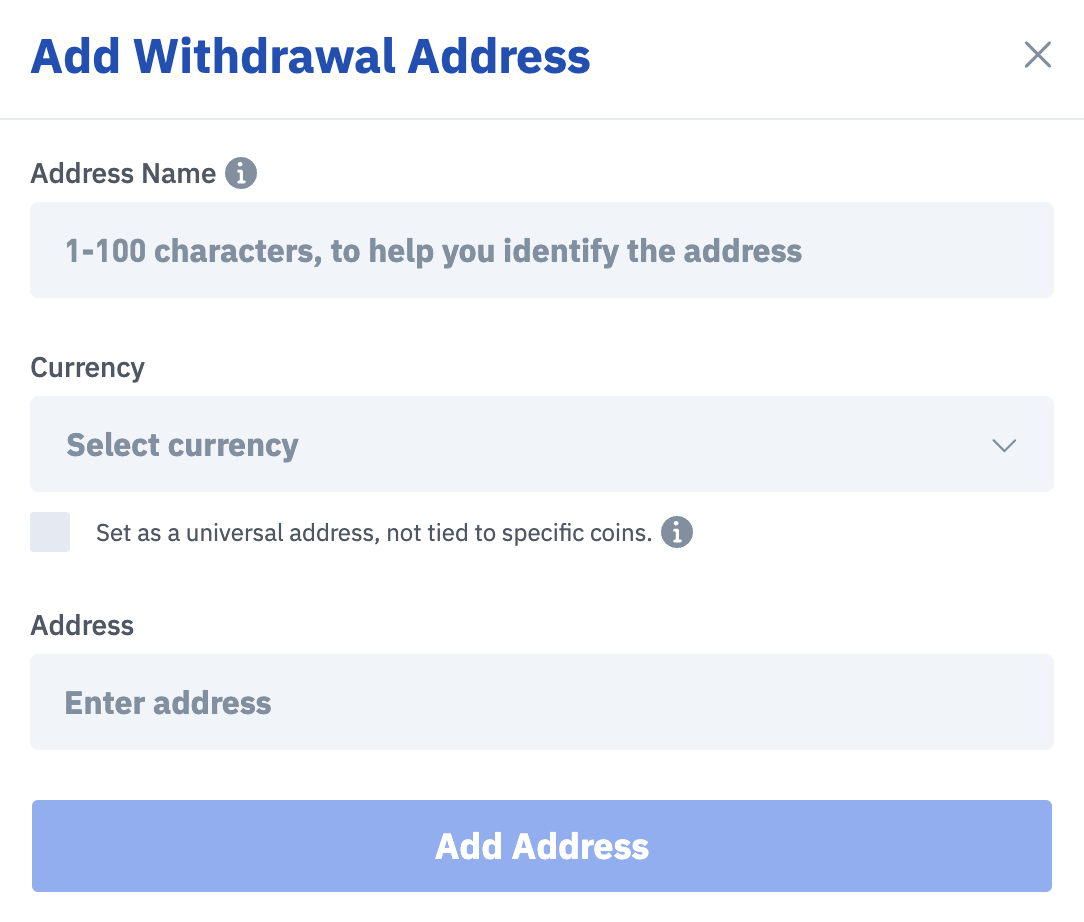
- Select Add Address
- Enter your Address Name, Asset and Address. Thereafter, select Add Address.
Once saved, the address will appear as a selectable option the next time you make a withdrawal for that asset.
Note: Saved addresses are for your convenience only. You are not restricted to withdrawing to saved addresses — you may still enter any valid address at the time of withdrawal.

